This blog is just files
How the site you are reading works: mdsvex posts in a folder, a glob, and a full prerender onto Cloudflare's edge. No database, no CMS, no admin login.
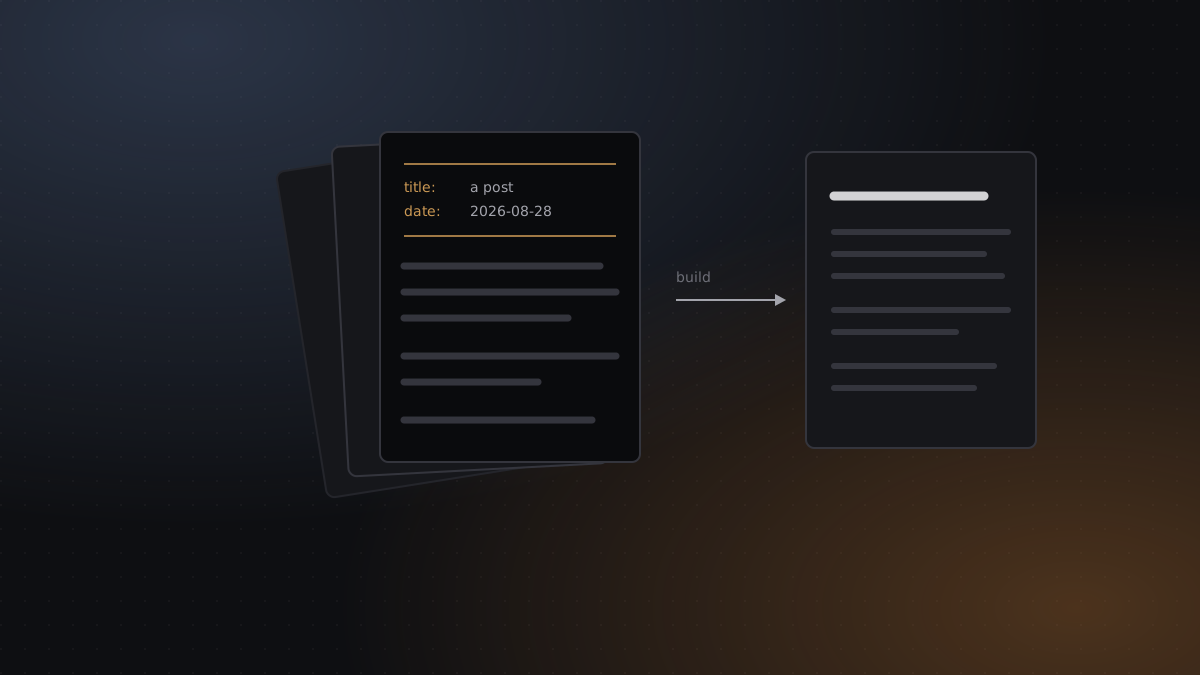
This is starter content — but unlike the other two, it is also the documentation for how to publish here. Worth keeping until you have replaced it with something better.
Writing a post on this site means adding a file to src/posts/ and pushing. There is no admin
panel, because there is nothing to administer.
The whole publishing flow
# 1. new file, dated name becomes the URL slug
$ $EDITOR src/posts/2026-09-01-something-i-learned.svx

# 2. check it locally
$ npm run dev

# 3. publish
$ git add src/posts && git commit -m "post: something I learned" && git push
Cloudflare Pages sees the push, runs npm run build, and the post is live at /blog/something-i-learned. Total moving parts: git.
Front-matter is the contract
---
title: Something I learned
date: '2026-09-01'
summary: One or two sentences. This is what shows on the index and in link previews.
tags: ['sveltekit']
cover: /img/cover-something.svg   # optional
coverAlt: Describe the image for screen readers
draft: true                        # optional — hidden in production, visible in dev
---
title and date are required; the build fails loudly if either is missing, which is much
better than a post silently rendering with an empty heading. Read time is not in the
front-matter because it is computed at build time by a small remark plugin that counts words in
the parsed AST — code blocks at a quarter weight, since nobody reads those at 200 wpm.
Why .svx and not .md
mdsvex compiles Markdown into Svelte components, so a post can drop into a component when prose is not enough:
<script>
  import AttentionDemo from '$lib/components/AttentionDemo.svelte';
</script>

Here is the thing I was describing, running:

<AttentionDemo heads={4} />
For a blog that is mostly about machine learning, being able to put a working demo inside a paragraph is worth the extra build step. Most posts will never use it. The ones that do would otherwise have been a static screenshot.
Everything is prerendered
src/routes/+layout.ts sets prerender = true for the entire site, and the post route exports
an entries() function so the prerenderer knows which slugs exist:
export const entries: EntryGenerator = () => posts.map((post) => ({ slug: post.slug }));The output is a folder of HTML files. Cloudflare serves them from the edge cache; the Worker
that adapter-cloudflare produces is effectively just a fallback. Nothing is rendered on
demand, so there is nothing to be slow, and nothing to go down.
The one thing to watch
The post index uses an eager import.meta.glob, which means every post’s compiled component is
bundled into the chunk that renders the list. At a handful of posts that costs a few kilobytes
and buys a completely synchronous, flash-free render.
Past roughly fifty posts, that trade flips. The fix at that point is a lazy glob plus a
build-time metadata manifest — a contained change to one file, src/lib/posts.ts. Worth
knowing about; not worth doing yet.